See all questions
Can I use heifamily while travelling abroad?+
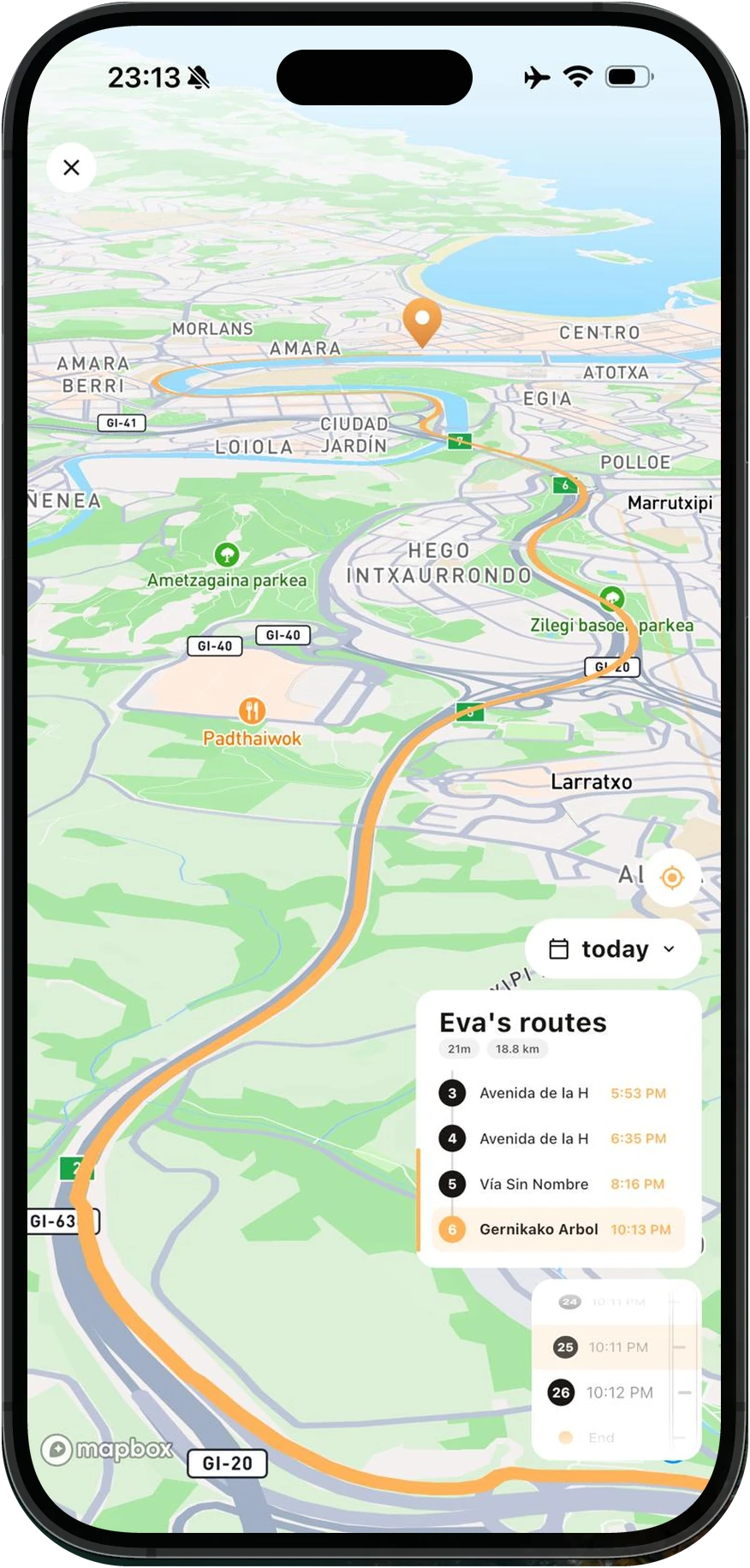
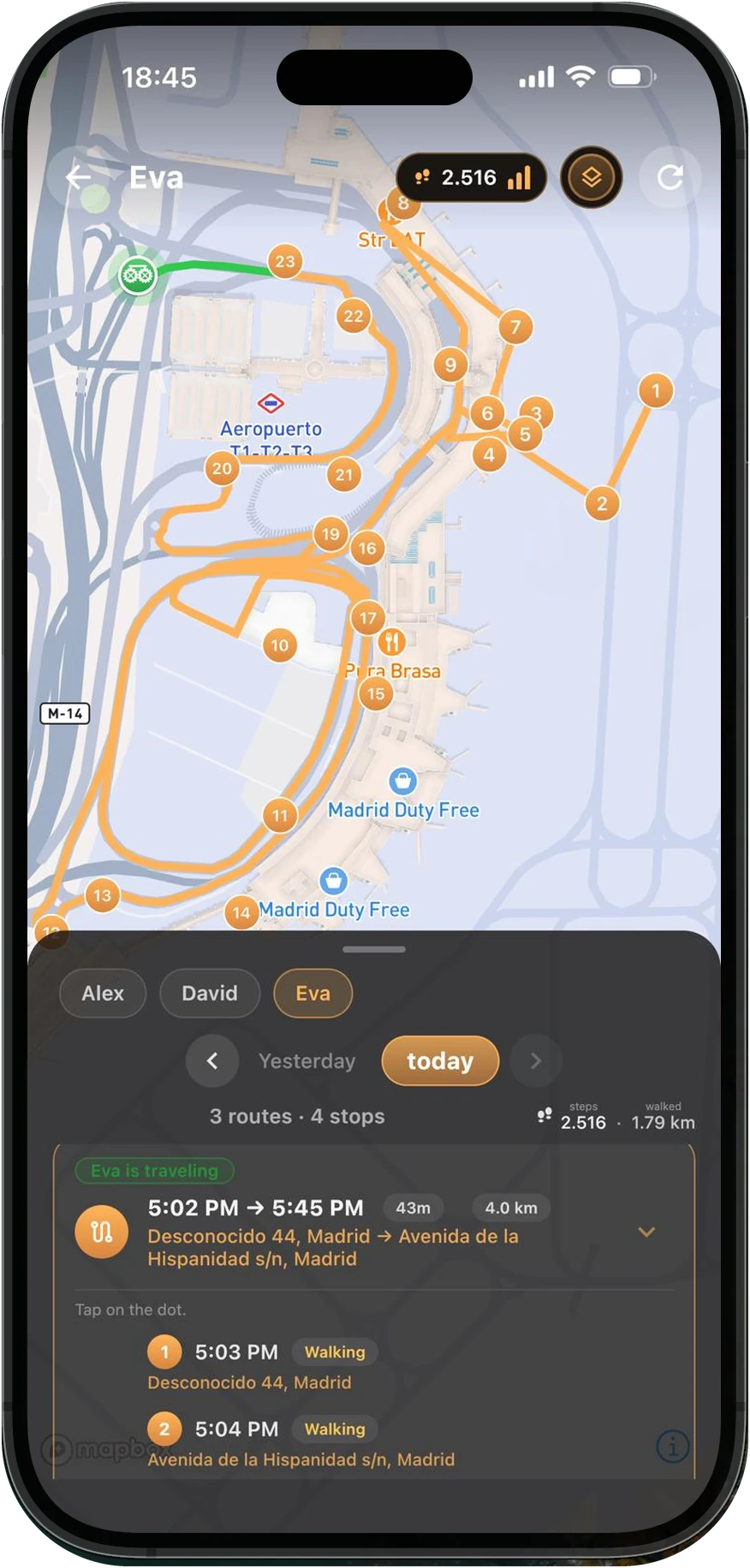
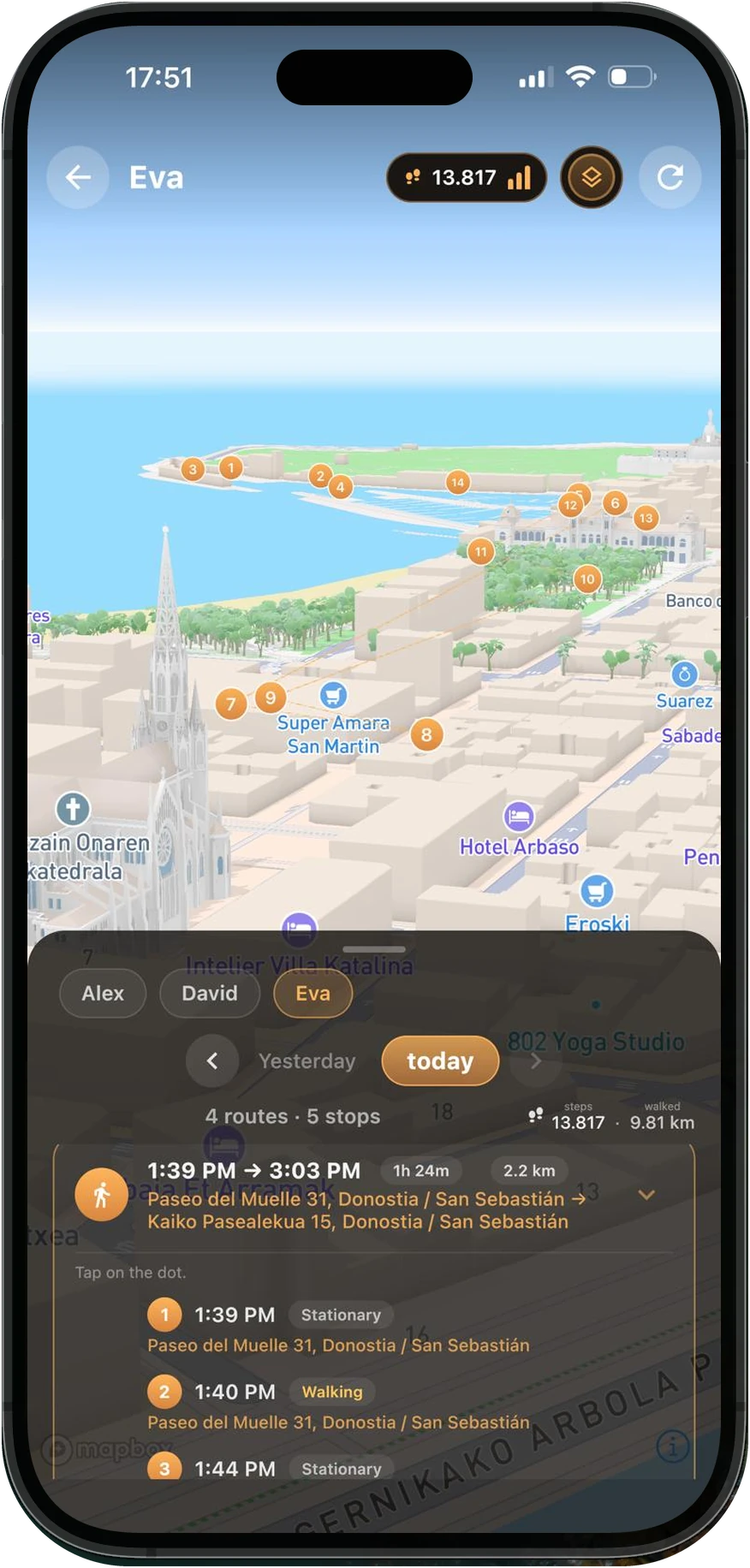
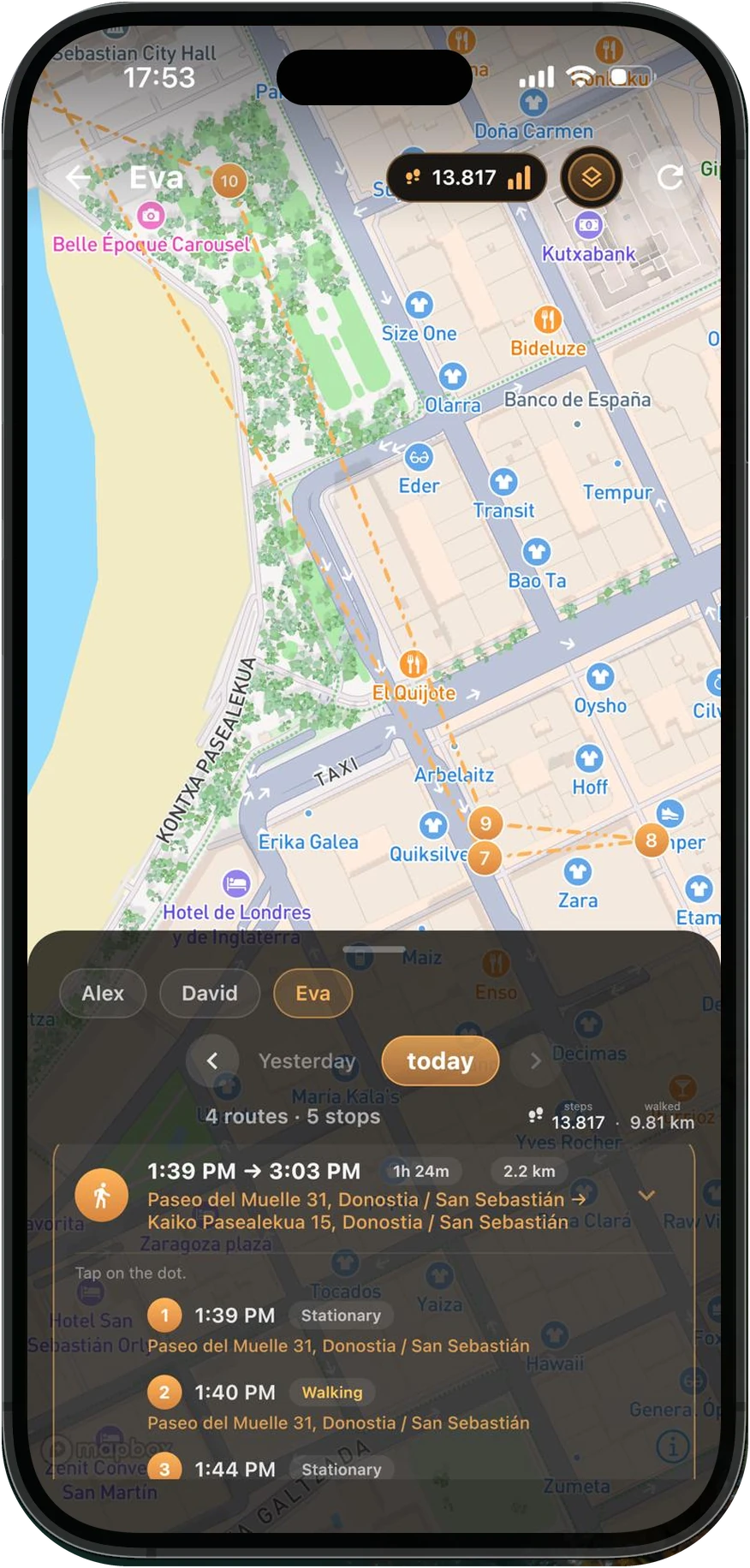
Yes. heifamily follows the phone, not the country — location, screen time and web filtering all carry on wherever your child is, roaming or on a local SIM. The only thing that changes is the one you'd expect: where there's no data, the day is kept on their phone and catches up the moment they're back online.
Does heifamily work in every EU country?+
heifamily is sold across the European Union and the wider European Economic Area — 30 countries, prices in euro (the store shows the final price in your currency) and the family's database in the EU. The full list is under Language & country at the top of this page. The app itself isn't fenced in by borders: once it's yours, it works wherever the phone does.
What happens if my child turns Location off?+
You're told, whatever their age. Location is one of the settings heifamily watches — both the app's permission and the phone's own GPS switch. If either stays off, the alert reaches you, and
Child app status names which of the two it was. Until your child turns 13, 14, 15 or 16, depending on where they live, turning either off also brings up a card on their screen showing the way to restore it; from that age, it's their choice.
Their trail simply pauses until it's back, and nothing is quietly missing from your day — you know there's a gap, and why. If your child, from the age when it's their choice, switches heifamily's Location feature off, the last position and its alerts are deleted, and the earlier trail stays hidden until it's back on.
What if their phone has no signal, or runs out of data?+
Nothing is lost. Every position is written to your child's own phone first — signal or no signal — so a walk through a dead zone is still being recorded while it happens.
- The whole stretch comes back at once. The moment the connection returns, everything waiting is sent in the order it happened and arrives on your phone as part of the day — snapped to the real roads and paths like the rest of the trail, not a straight line across the map.
- The gap gets a name. heifamily records the minutes without a connection, so a quiet stretch in the timeline reads as no signal — not as an app that stopped working.
Will I know if their phone is about to die?+
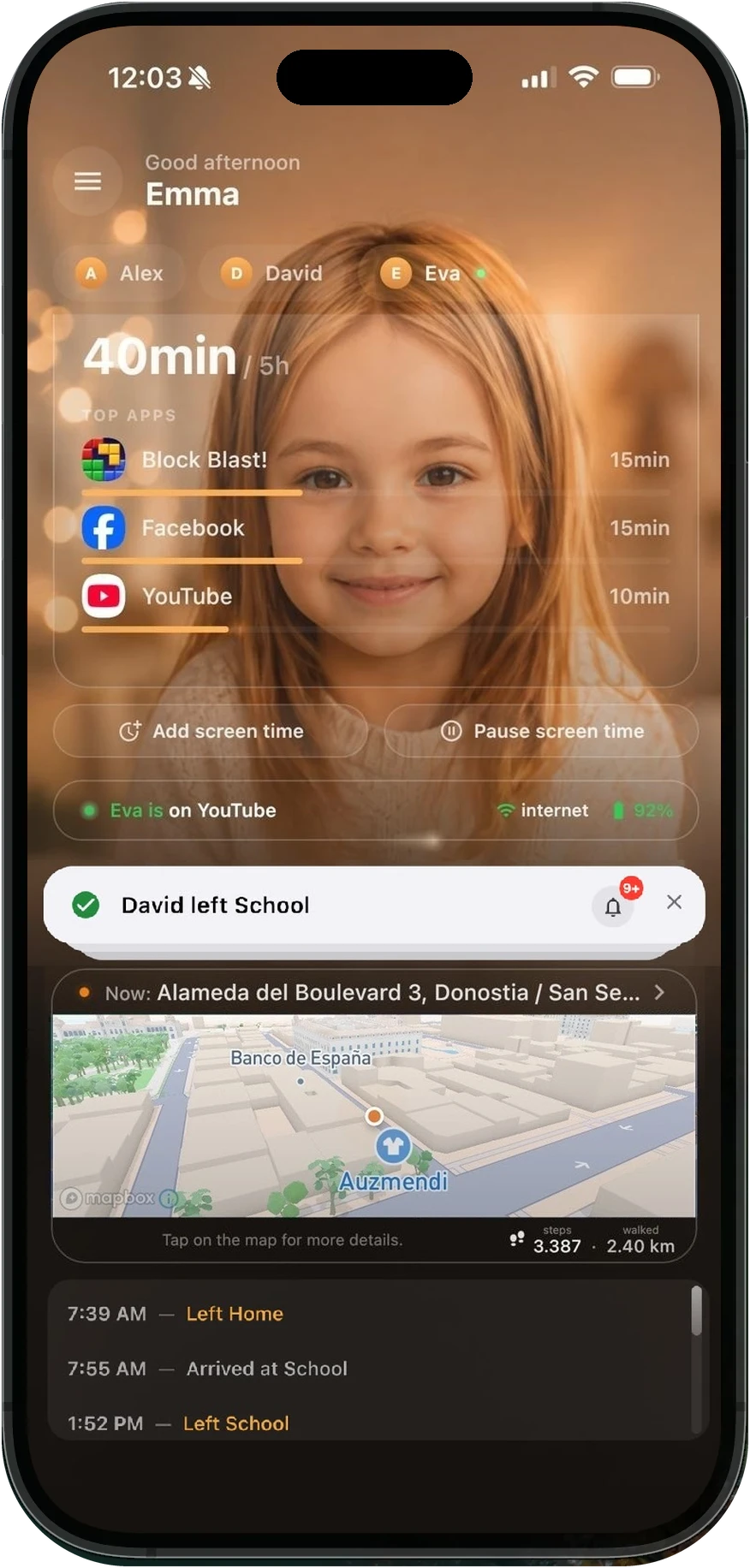
You won't have to ask. Their battery sits on your main screen, right next to whether they're online, and it changes colour as it drops — green while there's plenty, amber through the middle,
red at 30% and under.
It's a small thing that answers a big question. Most of the time, "they're not replying" and "their phone died an hour ago" are the same story — and this is where you see which one it is.
Can I block individual apps, not just categories?+
Both, and they work together. Any app on the phone can be blocked outright from your blocked-apps list. Separately, you can put a daily limit on a whole category — Games, Social Media, Video, Music, Communication — then open it and set a tighter limit on one app inside it. Where two limits overlap, the strictest one wins.
Can I set different screen-time rules for school days and weekends?+
Yes. The daily limit is set per day of the week, so Monday to Friday can look nothing like Saturday. You can also add time windows — the hours in which that day's screen time may be spent — so two hours of games doesn't become two hours at midnight.
Can my child ask for more screen time?+
Yes, and it's one of the better parts of the day. When they run out they can ask from their own phone, for a specific amount — it arrives on yours as "asks for 30 minutes more", and you grant or refuse it with a tap. Extra time you give applies to
that day only; tomorrow goes back to the normal limit.
It turns a locked screen into a conversation, which is usually the point.
Can I pause screen time instantly?+
One tap. Pause screen time sits on your dashboard and takes effect on their phone straight away; resuming is the same tap again. It's for dinner, for homework, and for the moments no schedule could have predicted.
Can my child bypass screen time limits?+
Not quietly. The limit is enforced on the phone by heifamily itself — when the budget is spent, monitored apps stop opening — and the permissions that enforcement depends on are exactly the ones heifamily watches.
- Switch off what it needs and you're told. Usage access, or permission to display over other apps: turn either off and you hear about it within minutes. Until your child turns 13, 14, 15 or 16, depending on where they live, their phone also asks for usage access back. From that age they can switch screen time off altogether — and you're told that too.
- Removing the app means dropping its shield first. Uninstall protection has to be switched off before Android will remove heifamily at all — and that alone sends you an alert, before the app is gone.
None of it is impossible. All of it is visible — which, with a teenager, is the more useful promise.
Does web filtering work inside apps as well as browsers?+
Yes — it isn't a browser add-on. Filtering happens at the phone's network level, so it applies in every browser and every app on that phone, including the little in-app browser that opens when your child taps a link inside a social app. Sites you block yourself work the same way.
Can I allow a website that was blocked by mistake?+
Yes — add it to your allowed list and it goes through, even when a category above would have blocked it. Two honest caveats, because you'll meet them: a page that pulls its images or video from other sites may still load only partly, and an exception can't override the VPN & proxy category. If someone in the house genuinely needs a VPN, that category has to come off.
Which messages does Message Guard check?+
Messages your child
receives in supported messaging apps — WhatsApp, Messenger, Instagram, Snapchat, Telegram, Signal, Discord, texts and other popular ones.
It works by reading message notifications, and that has an honest consequence we'd rather you heard from us: an app whose notifications are switched off isn't checked at all, and if previews are hidden there's nothing to read. A message in an app we don't support is never checked.
Does Message Guard show parents the message?+
No. You never get the message, who sent it or which words were found. If something looks dangerous, your child chooses whether to send you “I need to talk” — and if they do, that sentence is all you receive. Talking is how you find out the rest.
What happens if Message Guard finds something?+
Your child sees a warning on their phone, with two equal choices — send you “I need to talk”, or not now — and the number of the children's helpline, 116 111. You get nothing automatically, and heifamily doesn't contact anyone or decide anything.
Can I turn Message Guard off for one child?+
Yes — the switch is per child, not per family. An older teenager can be left unmonitored while a younger sibling isn't, which is usually how trust actually works at home. Switched off, nothing is checked for that child. From 13, 14, 15 or 16, depending on where your child lives (in France, at any age), turning it on also needs your child's OK on their phone.
Where is our family's data kept?+
Mostly in the European Union. The database and the functions that work on it run in region europe-west1, in Belgium — a location chosen when the project was created and one that can't quietly be moved afterwards. Some services we rely on are global and may process data outside the EU: Mapbox (maps, address lookup and snapping your child's routes to roads, using their positions), Google and Apple (sign-in, notifications, crash reports, app integrity checks, maps and addresses — and Google sends our e-mails), Cloudflare (looking up the sites your child's phone opens, while the web filter is on), and RevenueCat and the app stores (subscriptions). The Privacy Policy describes them, with the safeguards we rely on.
Can two parents share one family?+
Yes — and it doesn't have to stop at two, or even at parents. A seat is simply
an adult you trust with your child's day: a second parent, a grandparent, a nanny, a coach. Invite them and you all see the same family, perfectly in sync, each with your own secure sign-in.
- Basic — one adult.
- Plus — two adults.
- Premium — up to four.
You can move up a plan whenever the family grows — same app, same phones, nothing to reinstall.
Can both parents change settings?+
Yes — every adult you invite has the same day-to-day control: schedules, blocked apps, filtering, places, screen time. Two things stay with the parent who set the family up, and both are the kind you'd want held in one pair of hands: the subscription — plan changes and cancellation happen from the store account that paid — and deleting the account.
Will I see when the other parent changes something?+
You'll see the change itself, not a log of who made it. Settings are shared and live: if the other parent lifts a limit or adds a place, it's on your phone too, immediately.
heifamily doesn't keep a history of who changed which setting and when. The one exception is switching a monitoring feature on or off, by a parent or by your child: heifamily records who did it and when, as proof of what was decided, but it isn't something you can browse in the app.
How many children can I add?+
Two on Basic, and up to eight on Plus or Premium. Each child has their own phone, their own screen time and their own history — nothing is mixed between them, and nothing one child does shows up on another's day.
What happens when they get a new phone?+
You move them across; you don't start over. Install heifamily on the new phone and choose
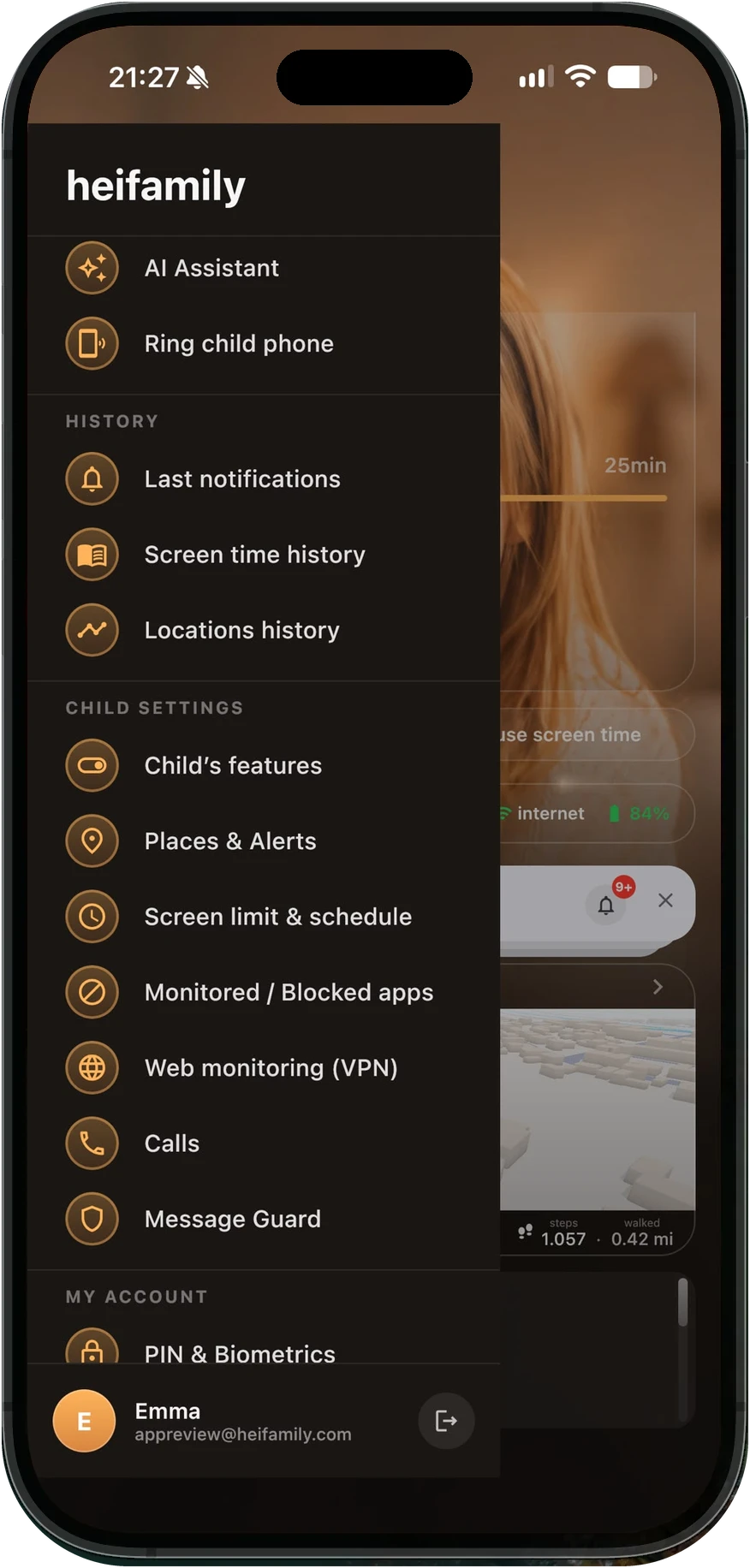
Replace child phone in your menu — the child, their history, their schedules and their places all stay exactly where they are. Only the phone changes.
The old phone stops being trusted the moment the new one is paired, so a handed-down or sold phone can't keep writing to your family.
What happens when my free trial ends?+
Nothing is charged, because nothing was ever collected. When the seven days are up, heifamily stops showing you your family until you choose a plan — no card on file, no plan picked for you, no quiet renewal you have to catch.
If you still haven't chosen a plan a few days later, heifamily stops on your child's phone too: it stops collecting data and applying limits, and it switches off uninstall protection. Choose a plan and heifamily starts again by itself, except for uninstall protection: Android only lets you turn it back on from your child's phone, where heifamily shows a banner for it. The same goes for any other permission switched off in the meantime. If you don't choose a plan within three months of the trial ending, we delete your family, its data and your heifamily account. And if you subscribe during the trial, the paid month starts that day — the free days you had left aren't added on top, and you keep the features of the bigger plans until the trial ends.
Can I change plans later without reinstalling anything?+
Same app, same phones, nothing to set up again. Moving up applies right away. Moving down starts at your next renewal, so you keep everything you have today until then — you're never cut short for a change you made mid-month.
What happens if a subscription payment fails?+
You're told, and nothing is switched off behind your back. A card that didn't go through isn't treated as "they left" — the store keeps retrying, and heifamily shows you the problem with a direct way to fix the payment method. Only if it stays unresolved does access stop, and by then you'll have known about it for a while.
Can I restore my subscription on a new phone?+
Yes. Sign in on the new phone and your subscription comes with your account. If it doesn't show up immediately, Restore purchases in the app fetches it from the store — just sign in to the same store account you bought it with, since that's the one holding the receipt.
What happens to our data if we leave?+
You're always in control. Delete a child profile and that child's history is erased right away; delete your account and the family's data is deleted 24 hours after you ask. In our backups, it ages out within 98 days. A few billing records and the identifiers that stop repeat free trials are kept longer; the
Delete account page lists them.